Identify what you are trying to recover
A badly positioned cut, an unwanted material and an uncollected panel are different problems. Before restarting the whole dress, check whether the panel is already in inventory, which fabric sheet it came from, and whether the current cutting scene offers a recycling target.
The inspected video demonstrates this action in the cutting room before sewing. It does not establish recovery for a panel already sewn into a finished dress. Treat the sequence as a version-specific demonstration and check your current controls.
The demonstrated recovery sequence
- Open the cutting room for the dress and identify the fabric sheet with the unwanted cut.
- Find the cut panel in the side inventory. Match its shape and label before picking it up.
- Move the panel to the recycling target shown by the current interface.
- Inspect the sheet and confirm that the space occupied by the cut has returned.
- Check the inventory and remaining component list before laying out the replacement.
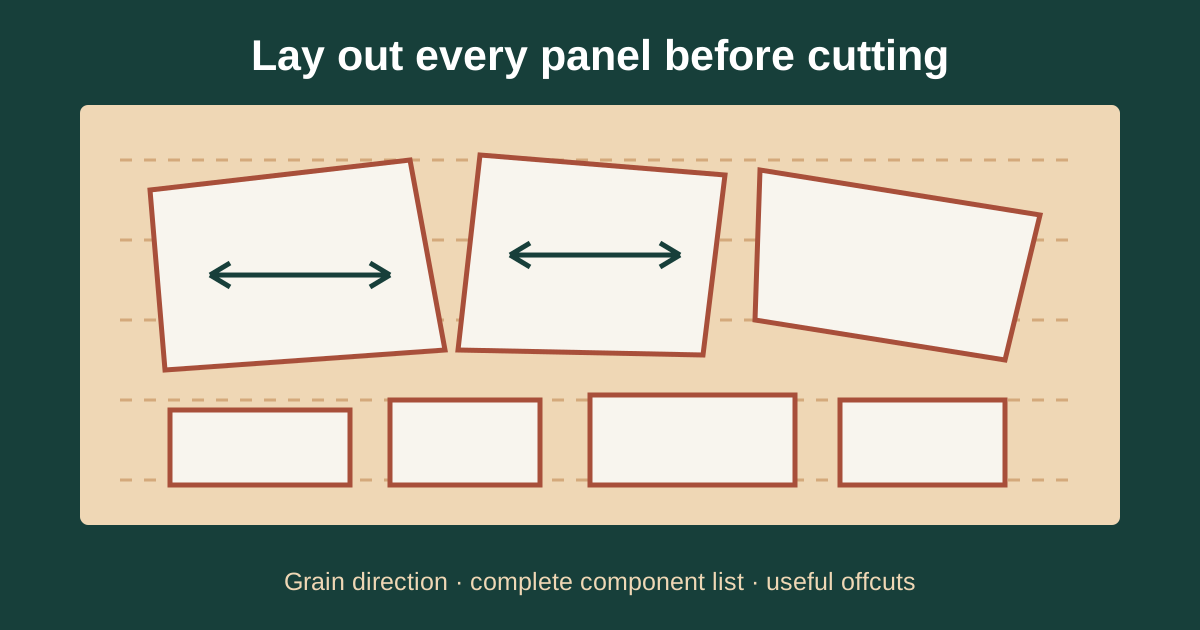
- Rearrange the next cut with a clearer plan for the larger panels and their grain direction.
The key explanation and return-to-sheet demonstration appear at 08:55–09:04. The surrounding 08:24–09:30 section explains why it is useful when the layout wastes space or the selected material was not what the player intended.
Recycling is different from discarding
Build 443 specifically changes fabric disposal: scissors can discard fabric only after the discard fabric button has been clicked. The developer describes this as protection against an accidental loss of fabric. A disposal action is not the panel-recycling action shown in the video.
Read the action label before confirming it. Recovering a panel's area on its sheet does not demonstrate that the shop will refund the purchase price, or that you can reconstruct any discarded roll.
Check collection before diagnosing a missing panel
Build 443 adds a button to grab all panel pieces from the cutting room and improves inventory preview hints. If a piece seems absent, use these current controls and compare the result against the sketchbook component list. The missing-panel checklist handles that construction problem separately.
If your result differs from the video
Stop before disposing of more material. Record the build, fabric name, panel name and whether the panel was cut, collected, pinned or sewn. A quit-and-reload attempt is not a verified undo method, and the video does not demonstrate a refund for an entire restarted commission.
Once space is recovered, use the fabric budget and layout guide to plan the next attempt. Recutting without changing a wasteful layout only repeats the same problem.
Sources and verification
- Emiiary: Dressmaker Tips and Tricks for Beginners
Published September 25, 2026. Frames and English automatic captions inspected for 06:08–09:30 and 10:19–13:07. The installed build is not established; this predates Build 443.
- Developer: October Patch Notes — Build 443
Published October 14, 2026; retrieved through the official Steam news API on October 30. Documents controls, trim, scoring changes and new content.
Original guide written by Stitch Brief from the sources above. Step order and diagnostic suggestions are editorial guidance. No first-hand game testing is claimed. Research and corrections method.