1. Capture the exact client clues before choosing an outfit
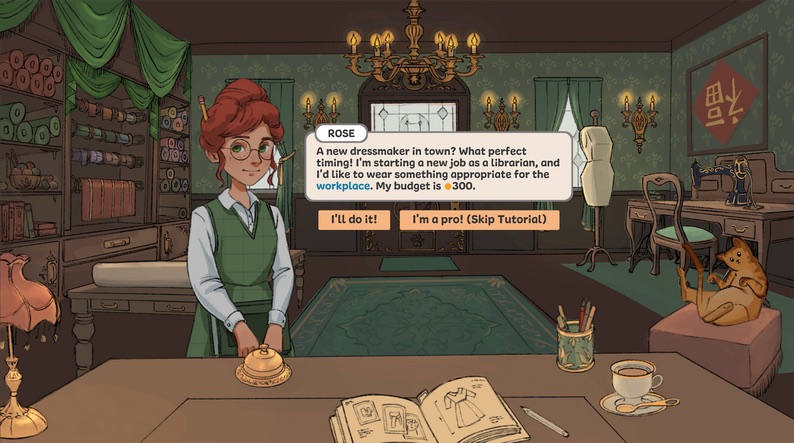
Start by copying the visible commission wording into the planner. Keep occasion, silhouette, color, fabric, and detail clues in separate fields when the brief supports that split. If a clue does not fit one of those categories, place it in the notes instead of forcing it into a tag. This gives you a clean record of what the game showed and prevents a later memory from quietly replacing the original request.
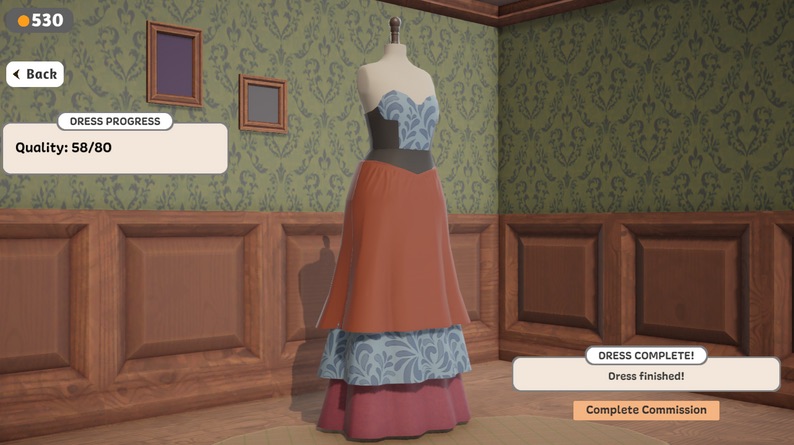
Use short phrases that preserve meaning. For example, “apron skirt” is more useful than splitting the phrase into “apron” and “skirt,” because the combined phrase may describe a specific choice. Do not add a color, material, or style just because it seems suitable. The planner is most helpful when the requirement list contains evidence from the commission, while candidate tags contain your interpretation of each outfit idea.
2. Describe candidate outfits with the same vocabulary
Enter one or two candidate names, then describe each option using words you can verify from the current game screen. Reusing the commission's wording makes the comparison readable: a requirement such as “garden” can match a candidate tagged “garden,” while a different term remains visibly unmatched. The score is simple on purpose. It shows text coverage rather than claiming to reproduce Dressmaker's internal evaluation.
A lower score is not automatically a bad outfit. It may reveal that the candidate uses different words, that a clue was entered too broadly, or that the commission depends on something the planner cannot observe. Read the matched terms below each option and review the missing requirements one by one. The list matters more than the percentage.
3. Change one decision at a time
When a Dressmaker commission fails, a completely new outfit creates too many possible explanations. Keep the first candidate as a baseline, duplicate the tags into the second option, and change one uncertain choice. You might test a different silhouette while keeping the color, material, and details stable. Record the result in notes, then repeat only if the comparison teaches you something specific.
This controlled approach is slower than random trial and error for a single attempt, but it produces better evidence for the next attempt. It also helps after a patch: you can see whether the same brief and candidate behaved differently under a newer build. Stitch Brief stores the worksheet in local browser storage, so returning to the page on the same device restores the fields without creating an account.
4. Save the build and outcome in plain language
Version-aware Dressmaker notes are essential during launch week. Write down the installed build, the outcome you saw, and the one choice you changed. Avoid statements such as “this always works” unless you have reproduced the result. A better note is specific: “On Build 403, this option matched the visible green and practical clues; the final result still needs another test.” That wording separates the tool's text match from the game's response.
The print action creates a clean copy of the result panel. The share action places the visible form values in the URL fragment after the hash. A browser normally does not send that fragment to the website server, but anyone who receives the link can read its contents. Use game notes only and never put personal or sensitive information in a shared brief.