Before you start
This guide uses Emiiary's September 25 tutorial. We inspected the sewing segment from 06:08 to 08:24 using frames and English automatic captions. The video does not establish its installed build and predates the October update. Follow your current sewing-screen prompts whenever a key or button differs.
A controlled first seam
- Look for the setting named Sewing Assist in your installed game's options. The source demonstrates the assisted sewing result; it does not establish a menu path for every build.
- Begin at a low speed. At 06:24–06:38, the creator explains and demonstrates W for faster sewing and S for slower sewing.
- Watch the next turn in the seam rather than only the section already under the needle. Slow down before you reach a tight corner.
- Guide the fabric through the turn deliberately. The creator cautions that assistance does not remove the need to stop or correct the approach at corners.
- If the seam has gone badly off course and is still in progress, use the displayed reset control, reduce speed, and try again.
What the reset demonstration proves
At 07:22–07:47, the creator demonstrates an unsuccessful route and resets it before completing another attempt. That supports recovery of an unfinished seam in the recorded version. It does not establish that you can undo a finished dress, recover a sold garment, or revert every cutting mistake with the same button.
The on-screen sewing scene shows a reset prompt. Read the key next to that prompt in your installed build rather than guessing from an unrelated prototype guide.
Why assistance can still produce a poor result
At 07:47–08:24, the creator explains that the hand helps guide the fabric but that rushing corners can still lead the seam off track. If the machine repeatedly overruns a turn, lower the speed before trying another pass. Keeping the rest of the setup the same makes it easier to see whether speed was the problem.
A good seam is only one part of the dress
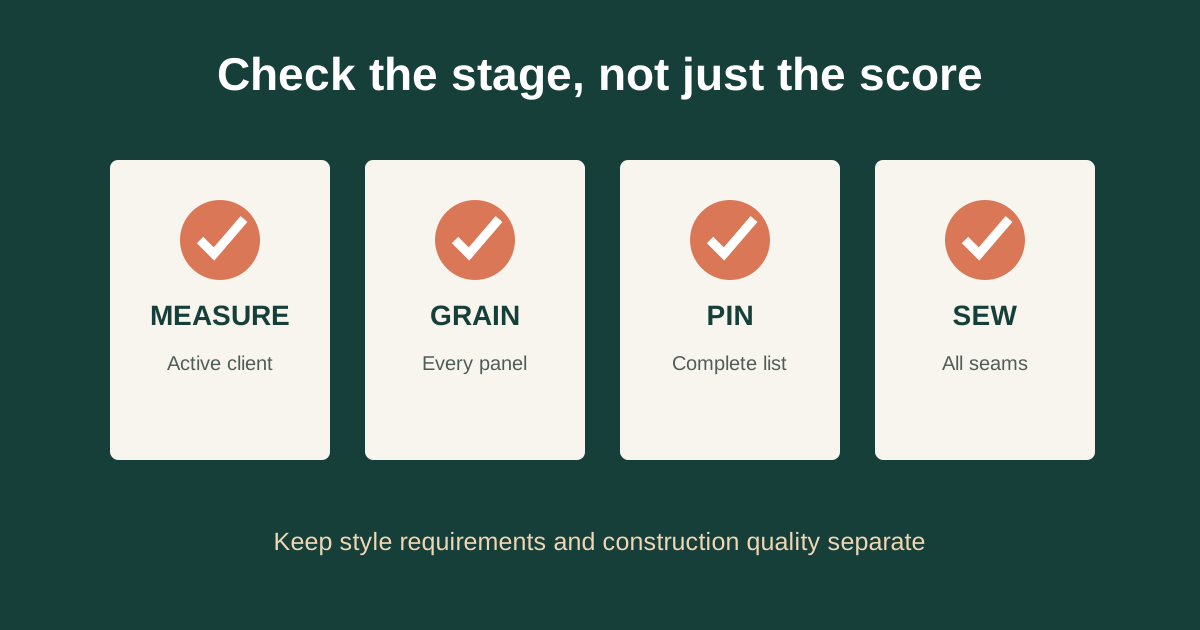
The tutorial discusses reaching a high sewing-quality result. That is not a guarantee of a perfect commission: measurements, cutting and the client's requirements need their own checks. If slower sewing improves the seam but the delivered dress still disappoints the client, use the construction quality guide and the Build 443 requirement explanation.
When the screen is hard to follow
Build 443 adds Less Animation, which disables scrolling textures and zoom in the sewing scene and cutting room. That is an official accessibility change separate from the earlier video's Sewing Assist demonstration. Try it if motion distracts you from the seam.
Watch the original sewing chapter from 06:08. The procedure above is our task-based explanation of the inspected section, with credit to Emiiary.
Sources and verification
- Emiiary: Dressmaker Tips and Tricks for Beginners
Published September 25, 2026. Frames and English automatic captions inspected for 06:08–09:30 and 10:19–13:07. The installed build is not established; this predates Build 443.
- Developer: October Patch Notes — Build 443
Published October 14, 2026; retrieved through the official Steam news API on October 30. Documents controls, trim, scoring changes and new content.
Original guide written by Stitch Brief from the sources above. Step order and diagnostic suggestions are editorial guidance. No first-hand game testing is claimed. Research and corrections method.